
Thermostat not working? Batteries and safe first checks
Before assuming the furnace has failed, check the thermostat display, mode, setting and batteries.
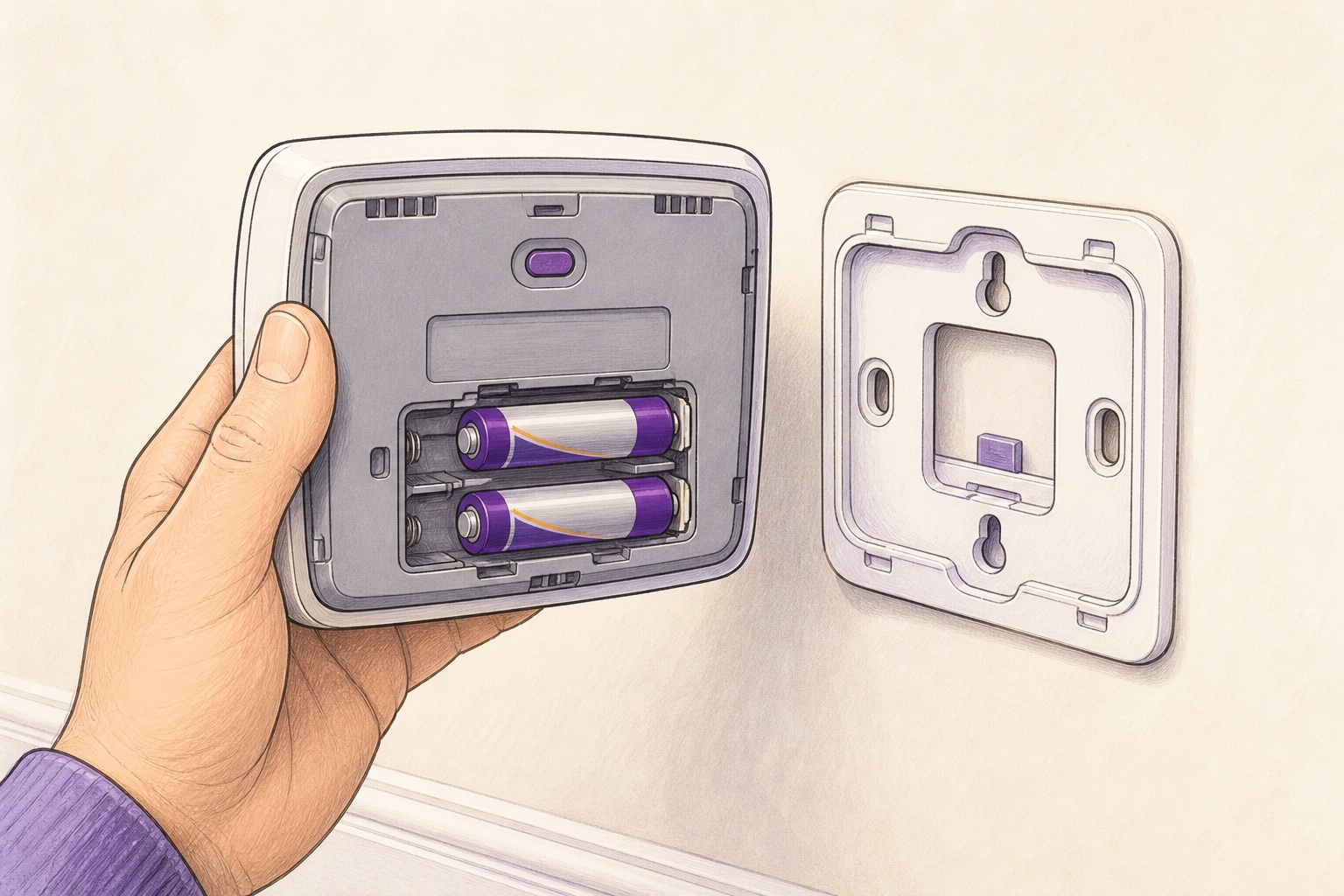
Start at the thermostat: confirm it is set to HEAT, raise the setpoint, check the display and replace user-serviceable batteries. If the system still does not respond, stop there rather than opening equipment or bypassing controls.
Start with the display
A blank display may mean depleted thermostat batteries, a loss of low-voltage power or another system issue. If the thermostat uses replaceable batteries, install the type shown in its instructions and make sure they face the right direction.
Some thermostats are powered by the heating and cooling system and do not have ordinary replaceable batteries. Do not pry at an unfamiliar thermostat or exposed wiring.
Check the simple settings
Confirm the thermostat is in HEAT mode rather than COOL or OFF. Raise the setpoint a few degrees above the displayed room temperature. If it has a schedule, use its temporary hold or manual setting according to the manufacturer’s directions.
Give the equipment a few minutes. Some systems intentionally delay startup after a setting changes.
Stop at the homeowner-level checks
You can confirm that the normal furnace service switch has not been turned off accidentally and that a clearly labelled breaker has not tripped. Do not repeatedly reset a breaker. Do not remove equipment panels, jumper thermostat wires or bypass a door switch.
Time to call
If the display keeps going blank, the breaker trips again, the furnace starts and stops repeatedly, or heat still does not come on, the fault needs diagnosis. Tell the technician what the thermostat displayed and which checks you completed.